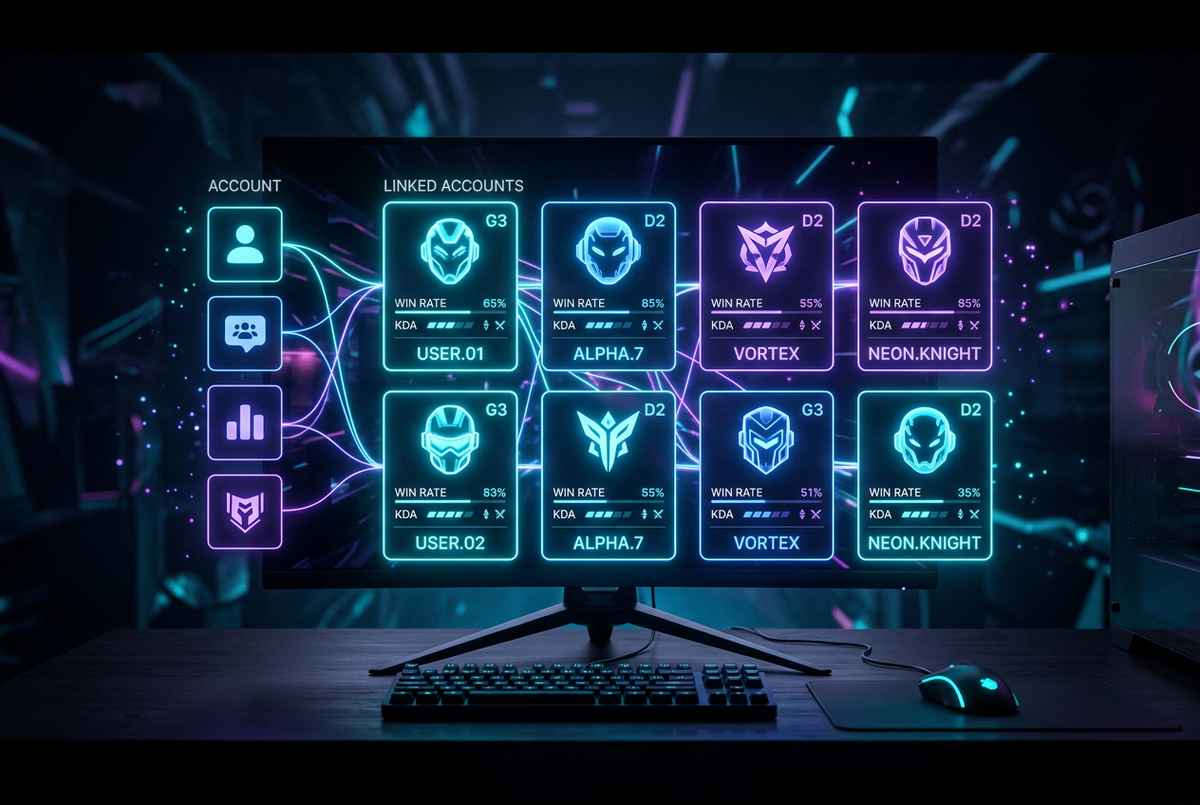
The RankSurge Player Hub keeps your linked game accounts, saved players and last 10 AI Profile Picks in one place. Sign in with Steam, connect Bungie or sign in with Battle.net to open your own stats in one tap. Everything is stored in your browser on this device, there is no RankSurge account, and every sign-in is read-only for stats.
This guide shows what each part of the Player Hub does, how to link each account, how saving players and "Use as my main" work, and what RankSurge can and cannot see. It is current as of October 2026.
What is in the Player Hub?
| Section | What it does | Stored where |
|---|---|---|
| Your accounts | Your Steam, Bungie, Battle.net and PUBG accounts, each one tap from your stats | This browser only |
| Your WoW characters | Your World of Warcraft characters after Battle.net sign-in | This browser only |
| Move items: Bungie vault status | Whether the Destiny 2 Vault Manager is connected | This browser only |
| Saved players | Players you saved from their profiles, up to 30 | This browser only |
| Recent compares | Your last 10 AI Profile Picks, ready to reopen | This browser only |
| Quick tools | Shortcuts to Player Lookup, AI Profile Pick, CS2 Inventory Value, Vault Manager and the Guide Library | Nothing stored |
Because it lives in your browser, the hub does not follow you to another phone or computer, and clearing your browser data empties it. That is the trade-off for not needing a RankSurge account.
How do you link your game accounts?
Steam (Deadlock, Counter-Strike 2 and Dota 2)
Press Sign in with Steam. You sign in on Steam's own site, and Steam only shares your public SteamID64 with RankSurge, through the sign-in Valve offers developers, described on the Steam developer page. After that, your own Deadlock, CS2 and Dota 2 profiles open in one tap.
Bungie (Destiny 2)
Press Connect on Bungie.net and approve access there. RankSurge never sees your password. Connecting opens your Guardian's stats in one tap. The Move items card below it shows whether the Destiny 2 Vault Manager is connected, with a Connect to move items button; Bungie's official API lets apps you approve move, equip and lock items, per the Bungie.net API.
Battle.net (World of Warcraft)
Pick your region (US and Oceania, Europe, Korea or Taiwan) and press Sign in with Battle.net. The sign-in is read-only: it shares your World of Warcraft character list and nothing else, and RankSurge never keeps your Blizzard access token. Blizzard's Battle.net API cannot move WoW items, so no site can.
PUBG
PUBG has no sign-in, so type your exact in-game name (it is case-sensitive) and pick your platform. The hub then links straight to your PUBG stats.
What does "Use as my main" do?
After Battle.net sign-in, your WoW characters appear with their class color, level, realm and faction. Each one links to its full profile on the WoW stats page. Press Use as my main on one character and it becomes your default in AI Profile Pick, so "Use my profile" fills it in for you. Steam and Bungie sign-ins do the same for their games automatically.
How do saved players and recent compares work?
- Save a player: open any profile on a stats page and press Save player. It appears in the hub on this device, up to 30 players.
- Reopen a compare: every AI Profile Pick you run is added to Recent compares, which keeps your last 10. One tap reruns it.
- Clean up: each list has a Clear all button.
Saved players are handy for duo partners, clanmates and pros you want to follow. Our guide to reading a teammate's profile explains what to look at when you open them.
What can RankSurge see when you sign in?
- Never your password: Steam, Bungie and Battle.net sign-ins all happen on their own sites.
- Steam: only your public SteamID64.
- Battle.net: only your World of Warcraft character list.
- Bungie: your Destiny 2 profile for stats, and, only if you connect the Vault Manager, access to move, equip and lock items. It cannot delete, dismantle or trade anything.
- No live scouting: nothing in the hub tracks other people's matches or lobbies.
Which shortcuts are in Quick tools?
- Player Lookup: search any supported game.
- AI Profile Pick: compare two players.
- CS2 Inventory Value: price a public inventory.
- Vault Manager: move Destiny 2 gear.
- Guide Library: ranks, stats and climbing guides for every game.
How do you sign out?
Press Sign out on this device in Your accounts to remove all linked accounts from this browser; you tap twice to confirm. Battle.net has its own Sign out of Battle.net on this device button. Signing out only clears this browser. If your Bungie or Battle.net session expires, the hub tells you and asks you to sign in again; your saved list stays.
What if something does not load?
- "Your Battle.net sign-in expired": sign in again to refresh your characters.
- "Couldn't load your characters right now": Blizzard or RankSurge may be busy; your saved list is still shown.
- "Your Bungie session has expired": connect on Bungie.net again.
- A "Wait" countdown on a button: you hit a rate limit; the button unlocks by itself.
Ask RankSurge AI about your profile. Link your accounts in the Player Hub, open your own profile in one tap and ask our AI what to work on next. Then read how to use AI Profile Pick or the RankSurge start-here guide.
Frequently asked questions
Do I need a RankSurge account to use the Player Hub?
No. The Player Hub has no RankSurge account. Your linked accounts, saved players and recent compares are stored in your browser on this device. That means nothing to sign up for, but also that the hub does not sync to your other devices, and clearing your browser data empties it. Link your accounts again on each device you use.
Is signing in with Steam on RankSurge safe?
Yes. You sign in on Steam's own website, so RankSurge never sees your password or Steam Guard codes. Steam only shares your public SteamID64, which is the same ID anyone can see on your public profile. RankSurge gets no trade access and cannot move, sell or trade your items. Always check the address bar shows steamcommunity.com before you type your Steam login.
What does Battle.net sign-in share with RankSurge?
Only your World of Warcraft character list: names, realms, levels, classes, races and factions. The sign-in is read-only, and RankSurge does not keep your Blizzard access token. Blizzard's API cannot move items or change anything on your account. You pick your region first, US and Oceania, Europe, Korea or Taiwan, so the right characters appear.
How many players can I save?
You can save up to 30 players in the Player Hub, and the hub keeps your last 10 AI Profile Picks under Recent compares. To save someone, open their profile on any live stats page and press Save player. Both lists live in your browser on this device, and each has a Clear all button if you want to start again.
What does Use as my main do?
After you sign in with Battle.net, Use as my main marks one World of Warcraft character as yours. AI Profile Pick then uses it when you press Use my profile, so you can compare your main with any other character in one tap. Steam and Bungie sign-ins work the same way for Deadlock, CS2, Dota 2 and Destiny 2 without an extra step.
Why can I move Destiny 2 items but not CS2 or WoW items?
Because each publisher's official API sets different rules. Bungie's API lets apps you approve move, equip and lock Destiny 2 items, which is how the Vault Manager works. Valve does not let third-party sites move CS2 items, and Blizzard's API is read-only, so no site can move WoW items. RankSurge can still show your CS2 inventory value and your WoW gear.